The problem every parent knows
You call upstairs. No answer. You call louder. Still nothing. They are in a bedroom, on a headset, zoned into a game, or pretending not to hear.
For Parents Of Headphone Kids
ShoutMe turns your Android phone into a remote household attention button. Tap the big red button, send an optional message, play a loud alert on the PC, or even send a shutdown warning with a timer.
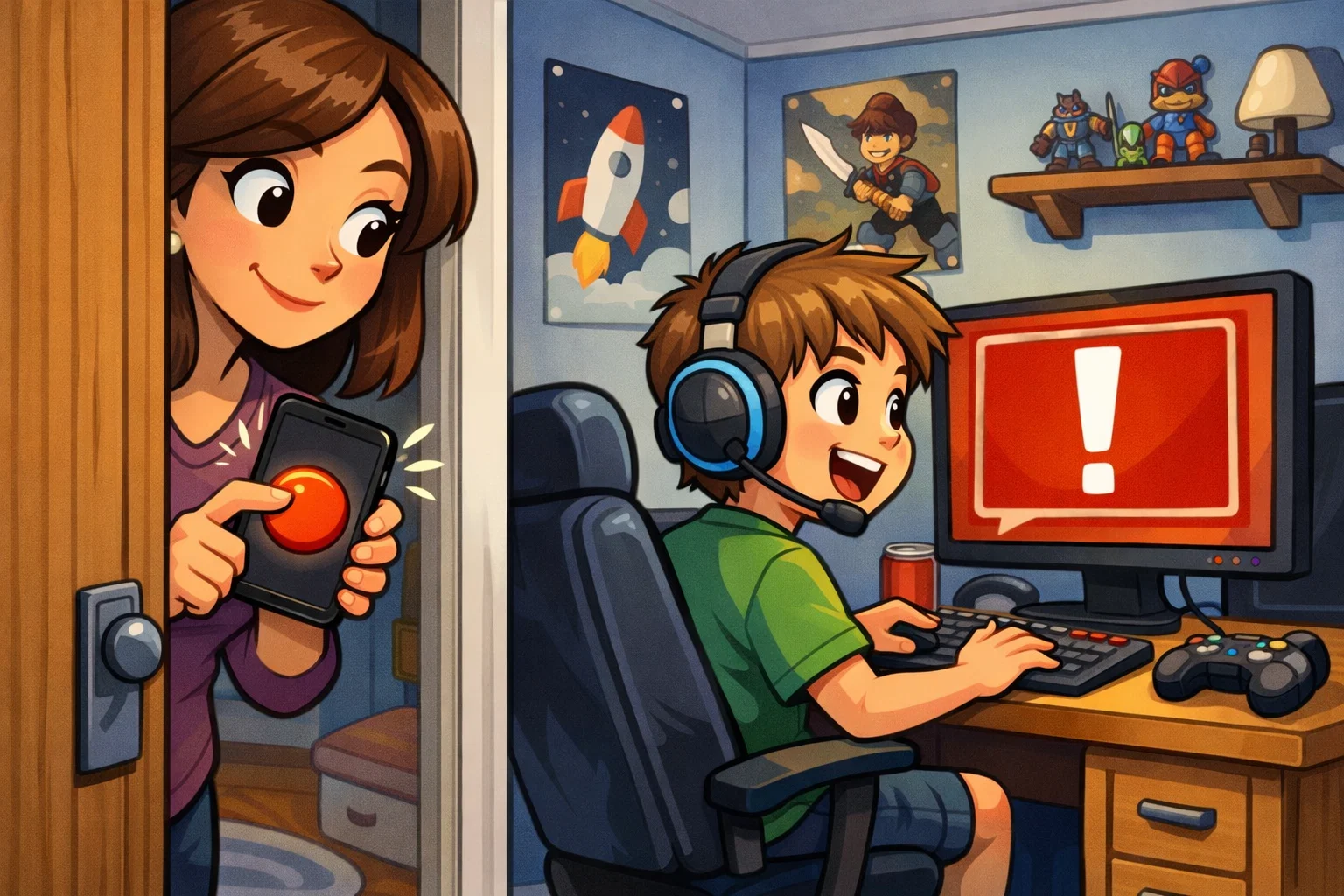
You call upstairs. No answer. You call louder. Still nothing. They are in a bedroom, on a headset, zoned into a game, or pretending not to hear.
Press ShoutMe from your Android phone and the Windows PC reacts immediately with a popup, alert sound, or shutdown countdown warning.
Android App
The Android app is designed to be obvious and fast. There is a huge red SHOUT! button, an optional message field, and controls for popup, sound, or timed shutdown warning.
It scans the local network for the ShoutMe PC software automatically, so parents can just launch the app and press the button.
You can download the Android app from the top menu right now. The Windows PC software is the paid part and must be bought before download.
Download Android AppThe Android APK is available directly from the Android App menu at the top of the page.
Buy the Windows PC software for £7.99 to get the installer download and complete the setup.
Runs quietly in the system tray and waits for messages on your local network.
Stop the software or uninstall it directly from the tray icon menu.
PC Software
The Windows side installs in seconds, starts with Windows, and listens for the Android remote button. When a message comes in, it grabs attention on the PC without you leaving the room downstairs.
Sound mode uses the included custom alert. Popup mode throws a clear message on screen. Shutdown mode schedules a visible Windows shutdown timer.
How It Works
Use the Android App menu at the top of the page to get the APK on your phone.
Pay securely with PayPal to unlock the Windows PC software download.
Install the PC software, connect both devices to the same network, and press the button.
Buy PC Software
The Android app can be downloaded from the Android App menu above. Buy the PC software for £7.99 and PayPal will send you straight to the Windows download page.
PayPal account: dave@daveduke.co.uk